1
Create your free account
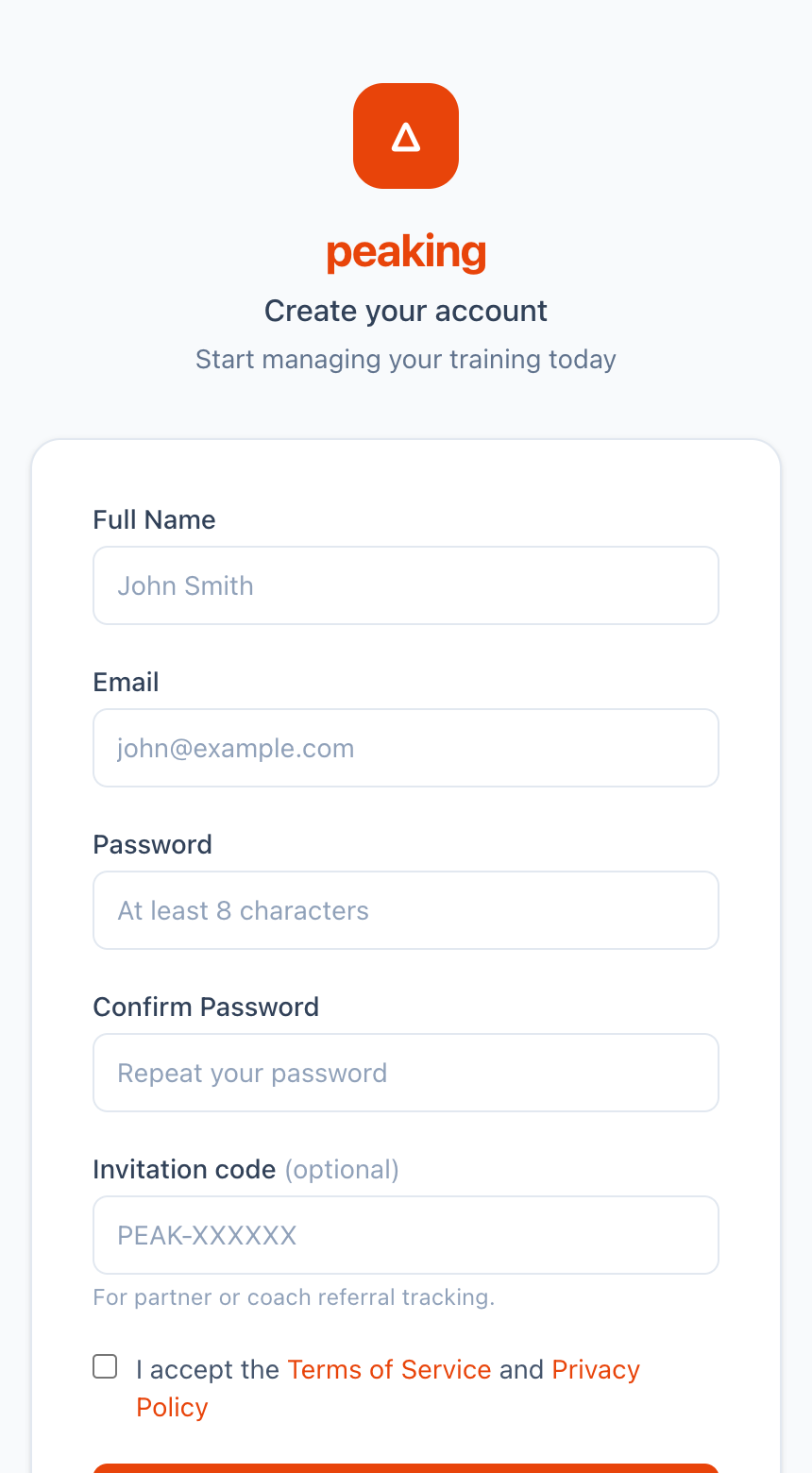
Go to the registration page, enter your name, email and password, accept the terms and tap Create account. No credit card required.
From sign-up to your first training plan — a quick walkthrough with screenshots.
Go to the registration page, enter your name, email and password, accept the terms and tap Create account. No credit card required.
We send a confirmation link to your inbox. Click it to activate your account — you'll then be guided through a short onboarding wizard.
Open the email from Peaking and tap the verification link. The link expires after 24 hours — check spam if you don't see it.
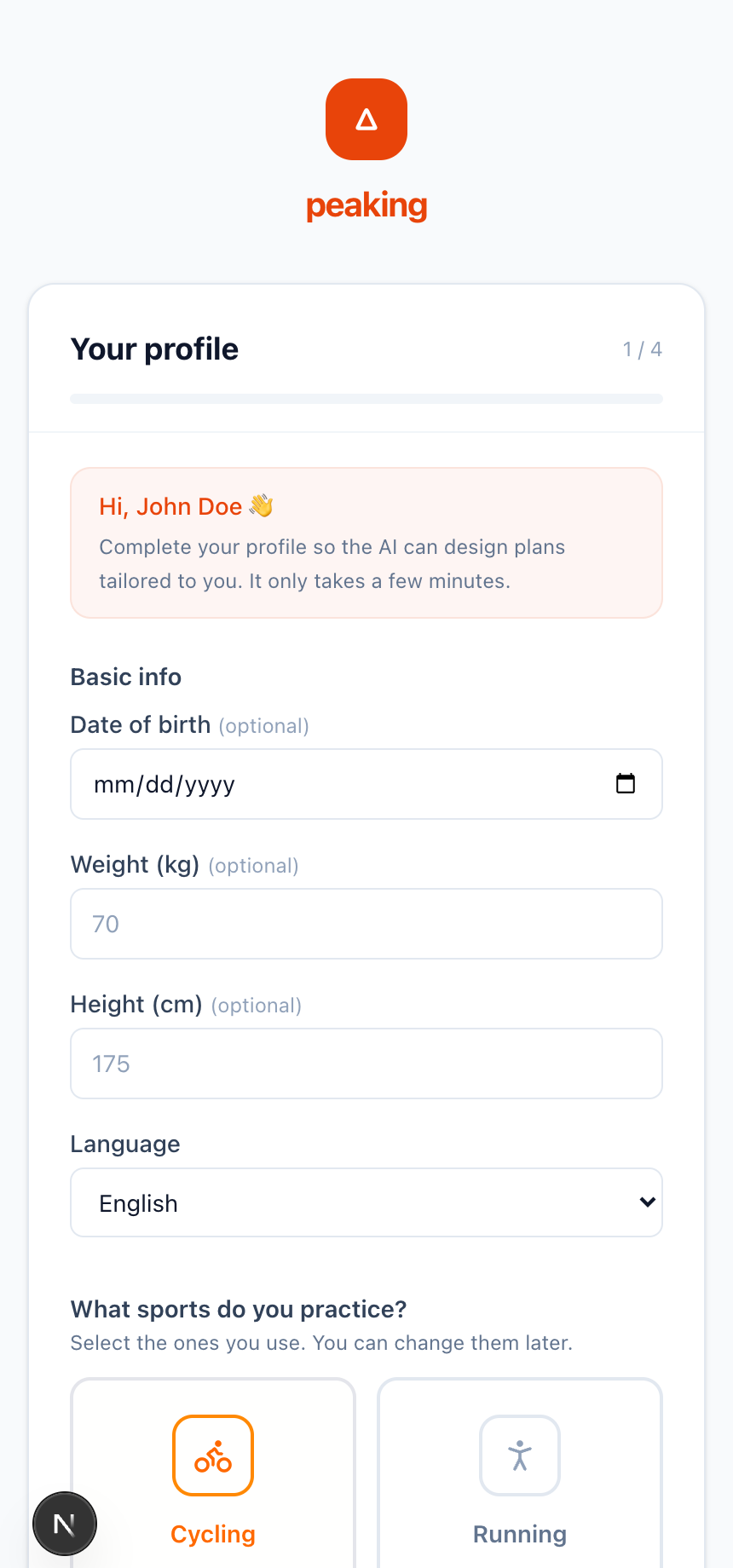
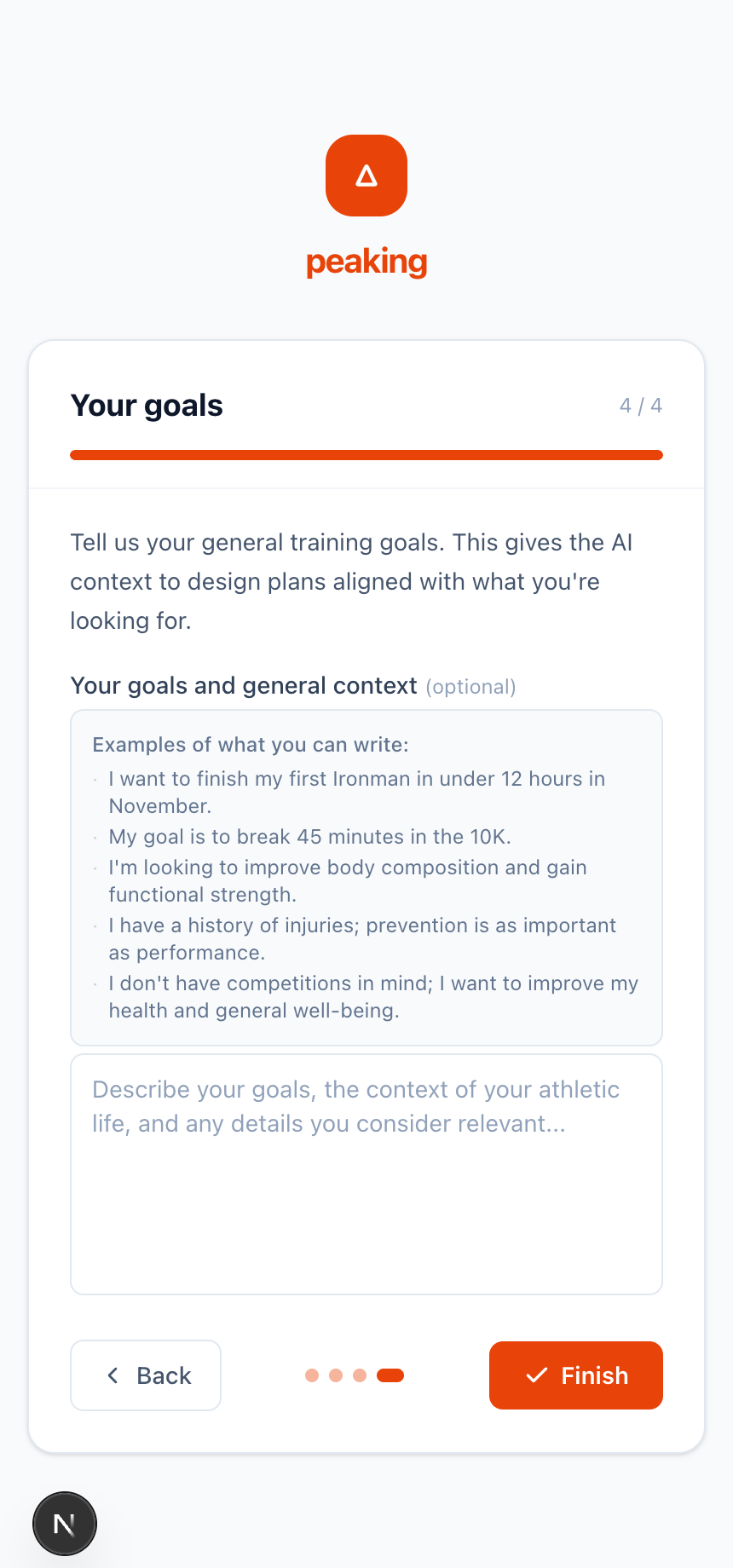
After verifying your email, a step-by-step wizard walks you through basic info, sport selection, details for each discipline and your training goals. It only takes a few minutes.
The home screen shows upcoming goals, your active plan and quick links. Use the sidebar to jump between sports, plans and activity summary.
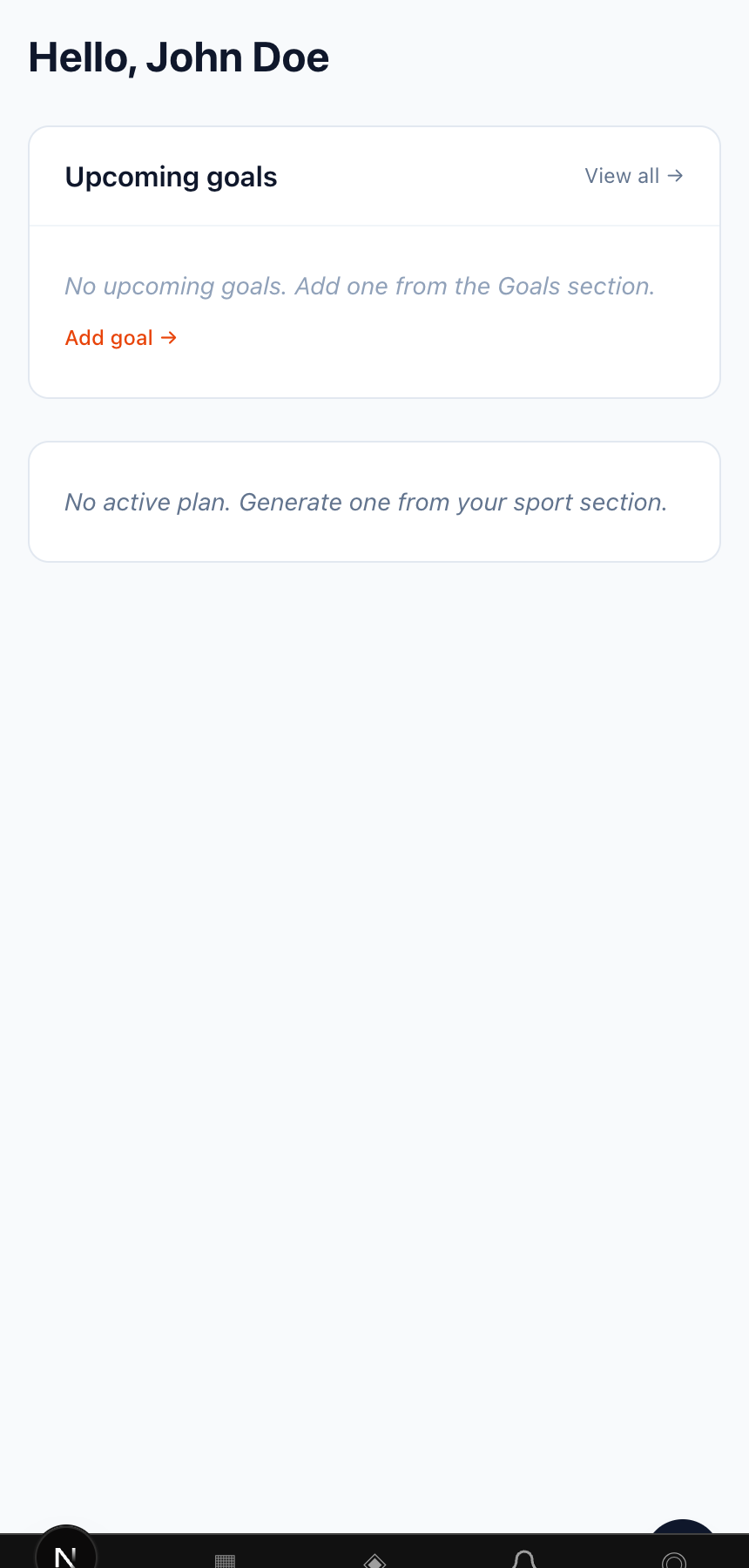
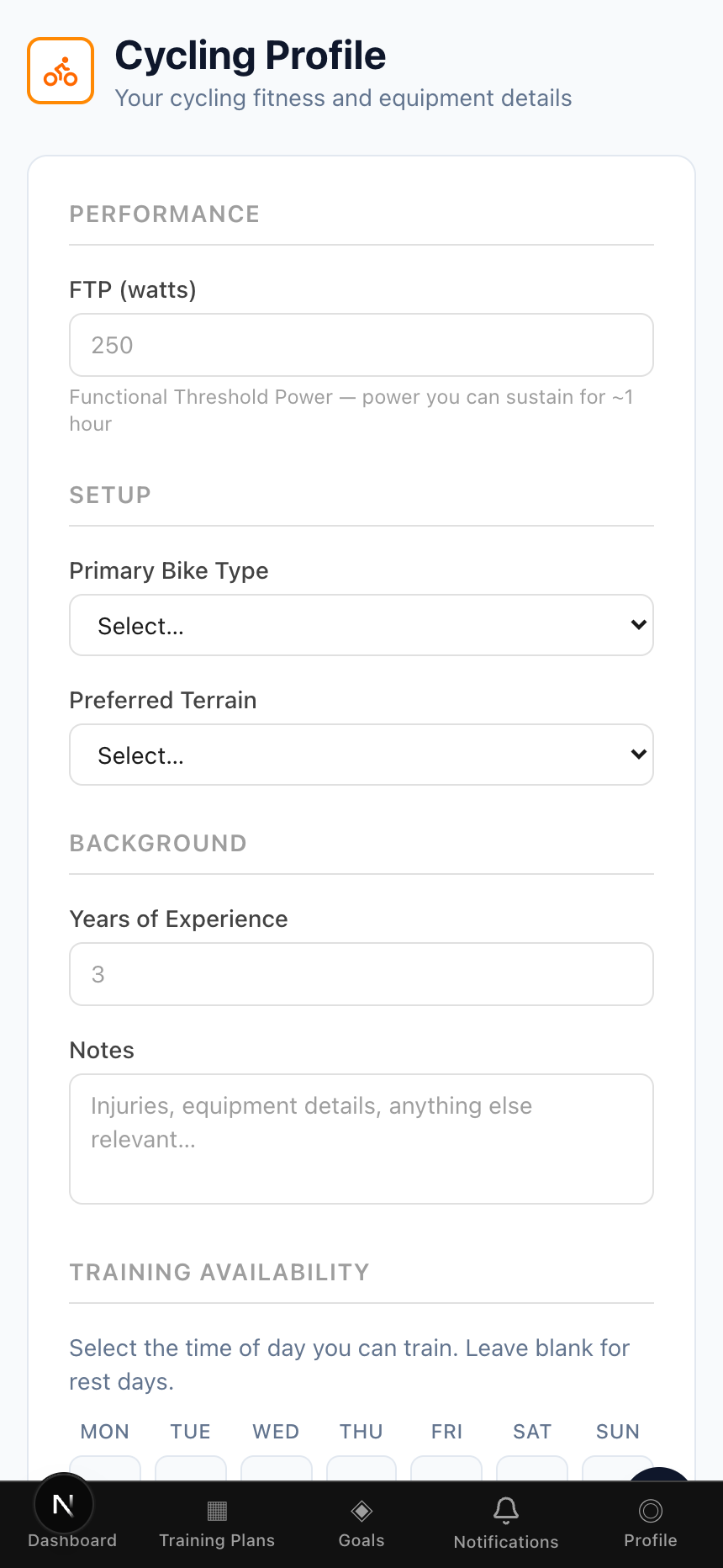
Open Training plans and tap Generate plan. Fill in your goal, dates and availability — the AI builds a periodized plan. Configure each sport section (FTP, weekly schedule, goals) for better results.

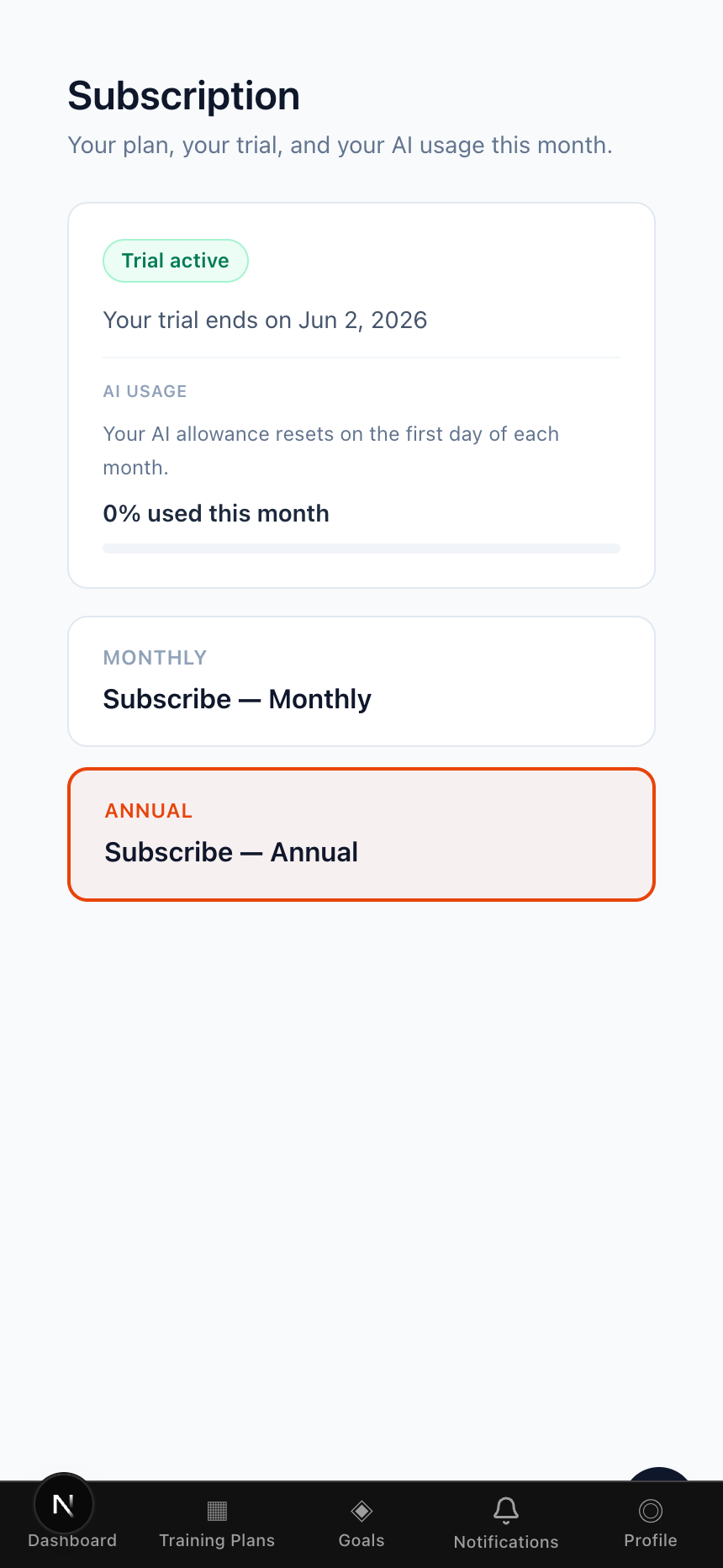
Your trial starts automatically. When you're ready, go to Subscription (Profile, or the trial banner) and choose monthly or annual. On the website, cancel from the customer portal. In the iOS app, purchases are Apple In-App Purchases — restore from Subscription, and manage or cancel in Settings → Apple ID → Subscriptions.